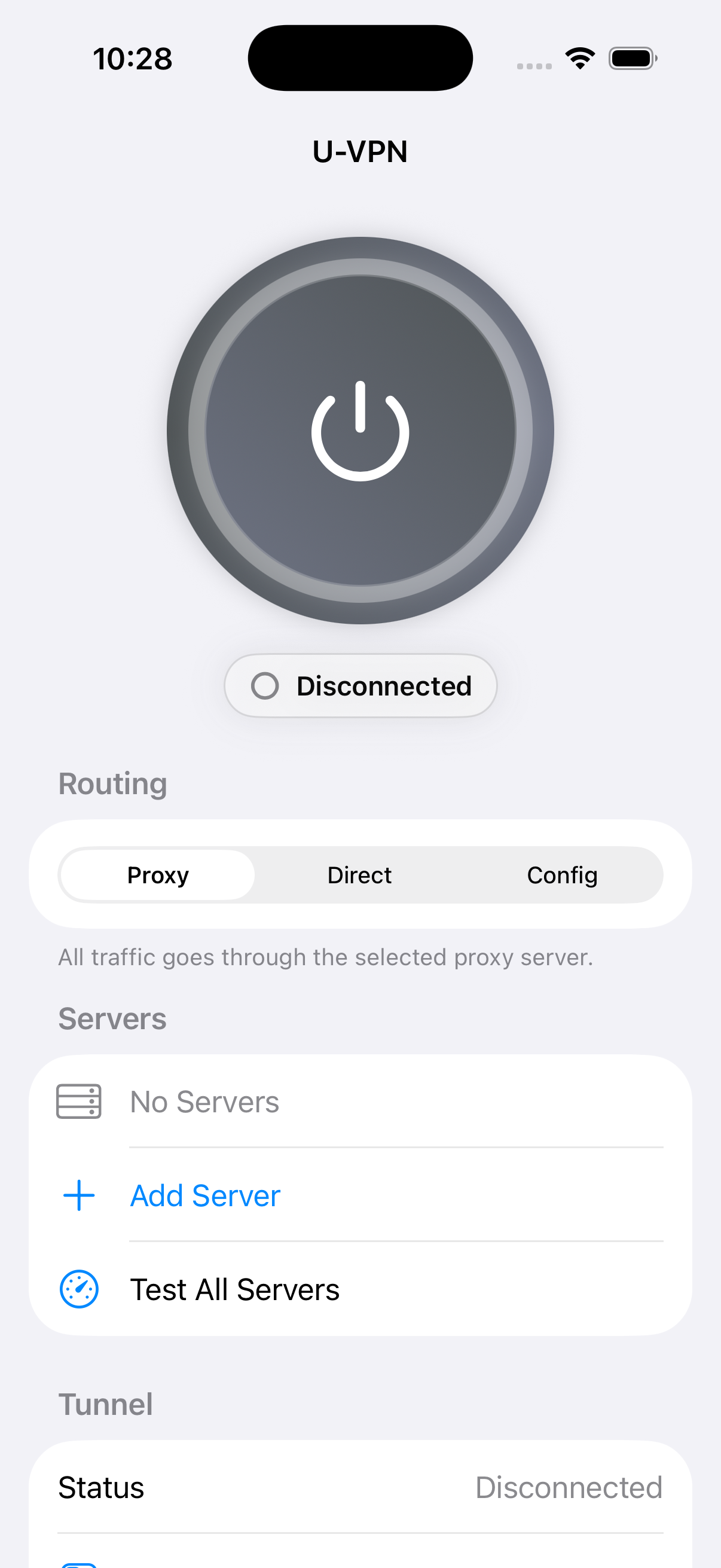
This site describes version 2.0. Check the App Store for the version available in your region.
Using U-VPN
Connect with the official service or use your own configurations.
Official service
Quick Connect
Choose the United States, United Kingdom or Japan, then tap to connect using U-VPN’s official service.
Includes a one-time 200 MB allowance for upload and download combined. It does not reset monthly. An active Premium subscription removes this app allowance; monthly and annual plans are available in the app.
Personal configurations
My Servers
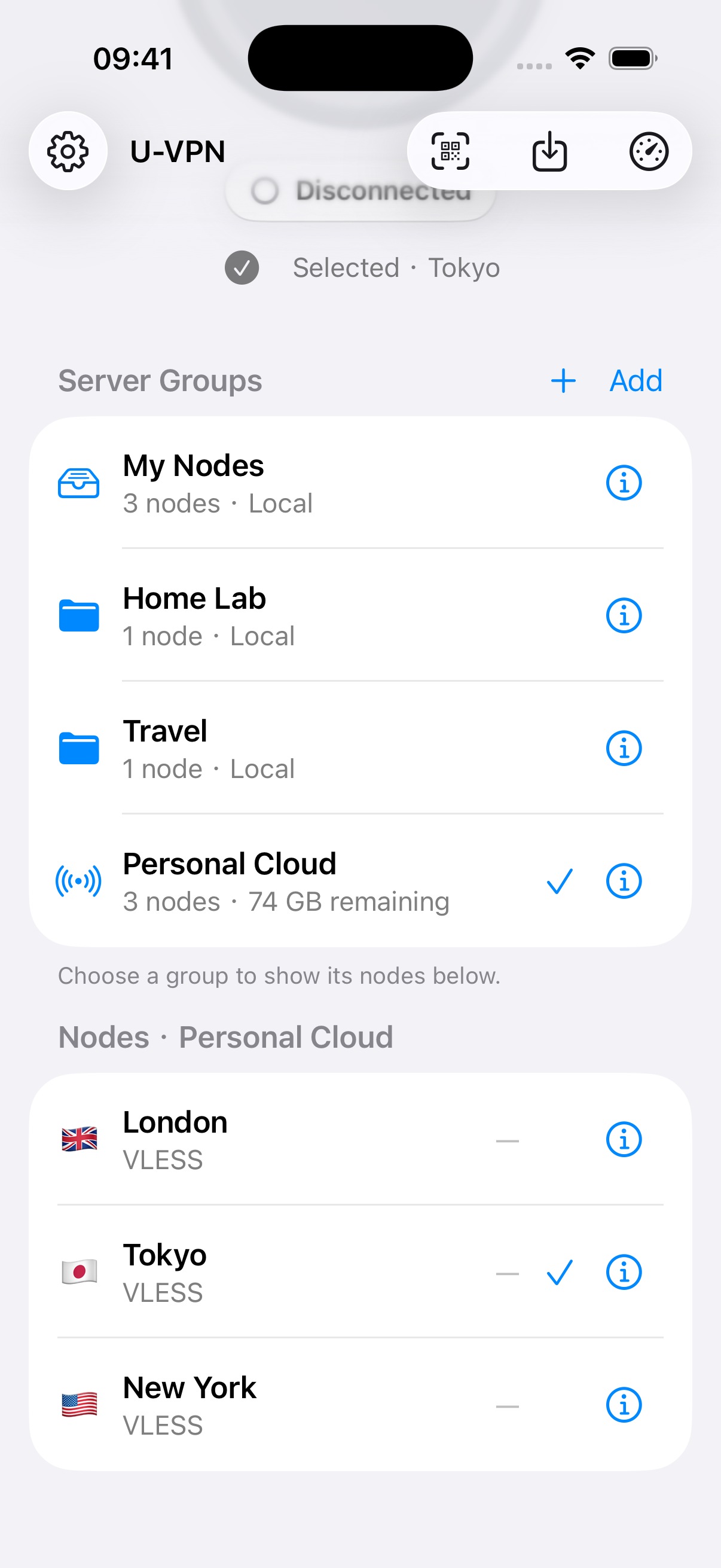
Import your own nodes using a link, a file or a QR code. Add HTTPS subscriptions and organize nodes into local groups.
My Servers is free, with no app-imposed traffic quota. It starts empty on a new installation. Your server or subscription provider may charge separately.
My Servers settings
Routing
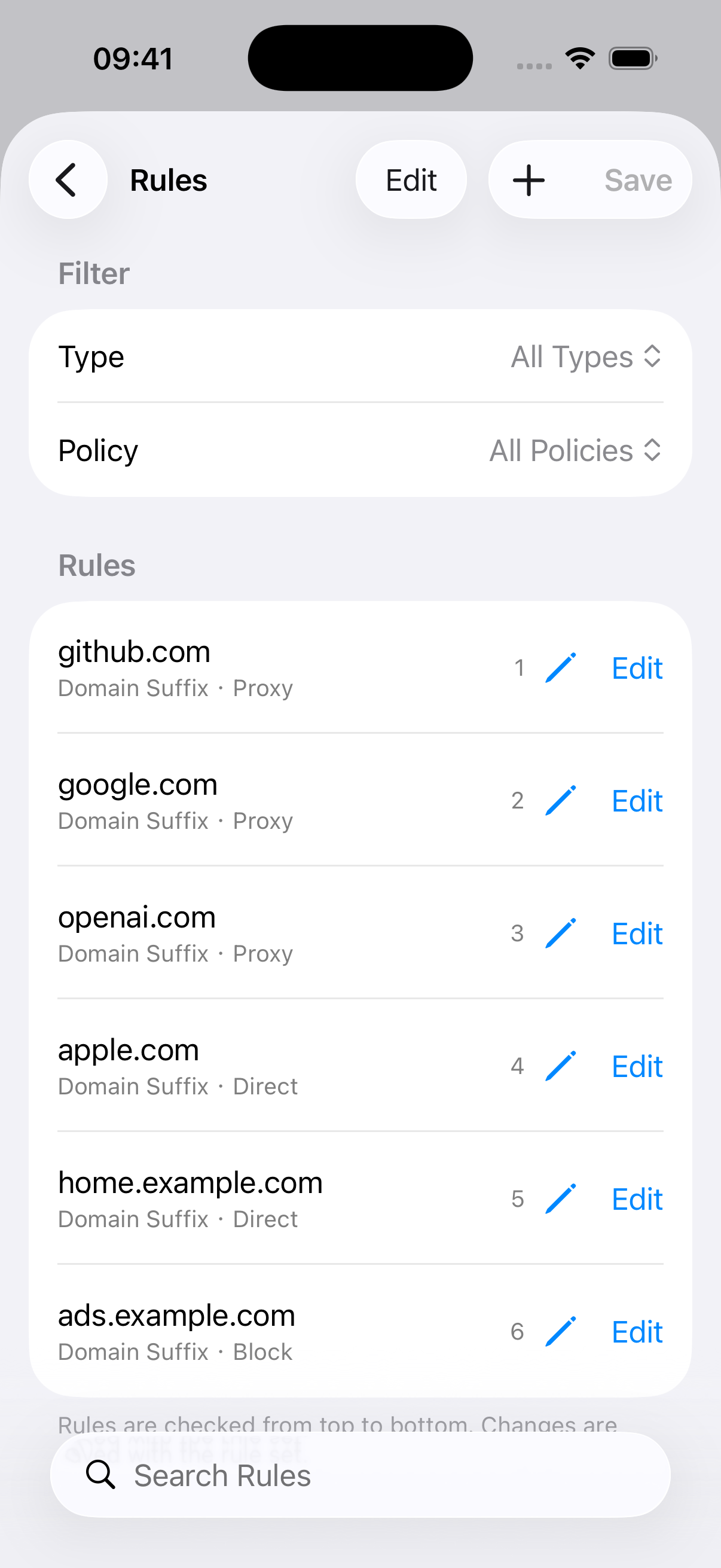
Use Proxy, Direct, Rules or Scenes. Create ordered rules that send matching traffic through a proxy, directly, or to Block.
Save rule sets and select routes for different networks. Personal routing settings apply to My Servers connections.
My Servers settings
DNS
Configure encrypted DNS, DNS caching and leak protection for your personal connections.
Quick Connect uses its own service configuration. Changes to personal routing or DNS settings do not change an official connection.
Compatible configurations include VLESS, VMess, Trojan, Shadowsocks, SOCKS, HTTP(S) and Hysteria 2. For import and connection help, visit Support.
App interface
Version 2.0 on iPhone. Personal configurations shown are examples.